Independent media player

Your connection.
Your media.
One simple player.

Streamzo lets you connect to a compatible service using a MAC address generated inside the app. Users independently choose and configure a service they are authorized to use.

Streamzo does not sell channels, third-party hosts, subscriptions or media packages to users. Streamzo does not offer a web-based media player or server-side media-relay service.
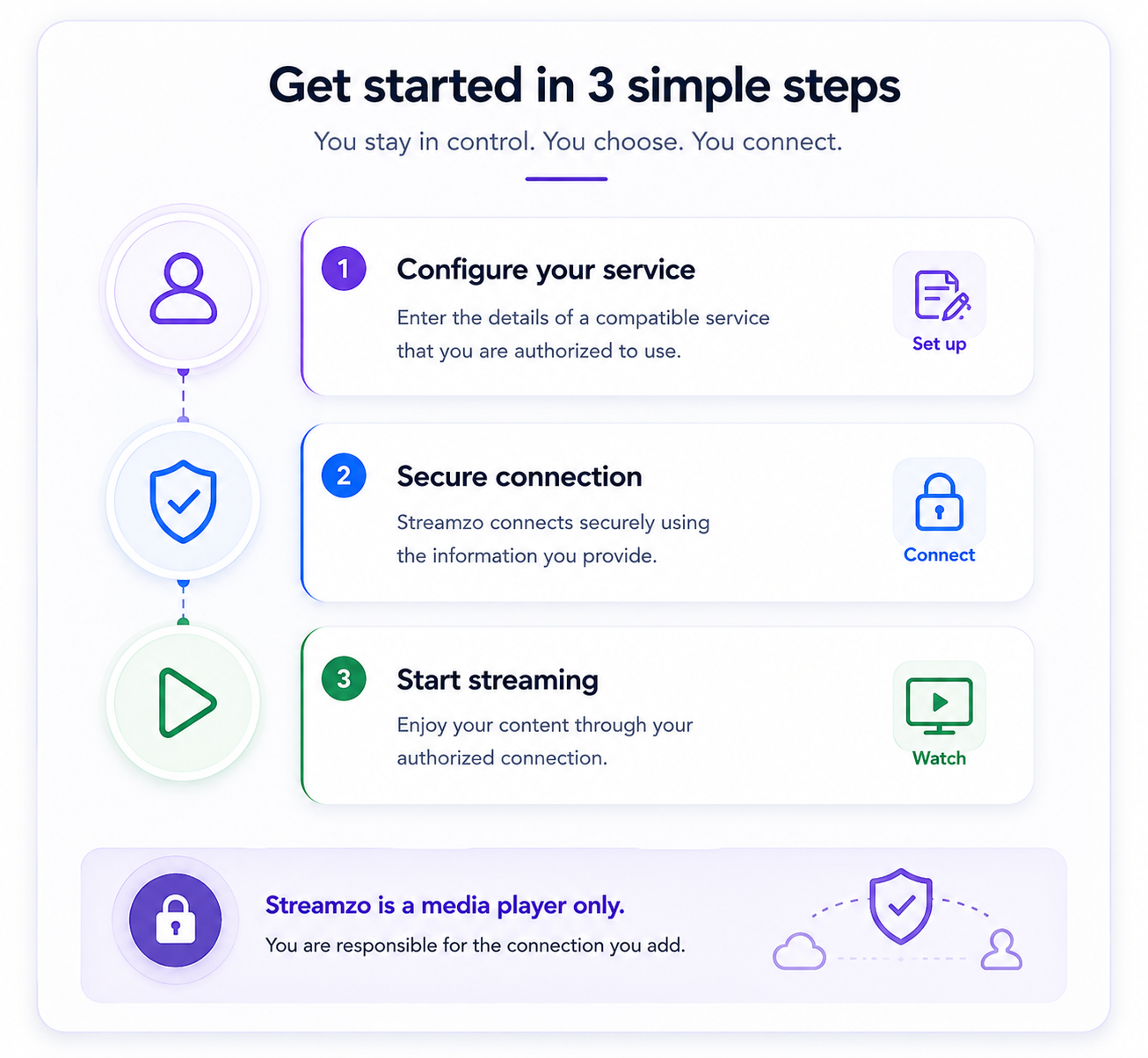
Streamzo three-step setup: configure your authorized service, connect securely, and start playback.
Clear by design

We provide the player.
You provide the connection.

Streamzo does not operate a streaming service and does not supply entertainment content to users.

01

No content provided

No channels, movies, series, sports packages, playlists or media libraries are supplied to users.

02

No host sales

Streamzo does not sell or recommend third-party hosts or streaming subscriptions to users.

03

Direct connection

You independently obtain an authorized compatible service and configure it in Streamzo. Media playback is between your device and the service you selected; Streamzo does not act as a media relay.

How it works

A simple four-step setup.

The Streamzo player remains separate from the independently operated service selected by the user.

1

Generate MAC

Open Streamzo and use the MAC address generated by the player.

2

Configure a service

Use the MAC with a compatible service you independently choose and are authorized to access.

3

Add your host

Enter the host or connection information supplied to you into Streamzo.

4

Accept & connect

Confirm your authorization and responsibility, then connect the player.

Testing & certification

Application testing and review.

App-store reviewers and certification teams may evaluate Streamzo using a compatible service or testing environment they are independently authorized to access.

App review

Independent testing

Streamzo does not provide third-party media services, provider credentials, portal addresses, subscriptions, channel packages, provider accounts, or third-party media content for application testing or review.

Users

Independent connection

Users independently obtain and configure a compatible service they are authorized to use. Streamzo does not sell, provide, locate, or recommend the user's media service or provider.

TV-first player

Simple setup. Clear responsibility.

Streamzo focuses on media-player functionality and device experience while users remain responsible for the services they independently choose to connect.

Native player architecture: Streamzo does not offer a web player. The native player connects to the user-selected authorized service without routing media streams through Streamzo media-relay servers.
TV

TV-friendly navigation

Remote-friendly controls, strong focus states and a clean interface designed for large screens.

MAC

MAC-based configuration

Generate and manage the MAC information required for compatible service configuration.

Authorization acknowledgement

Before connecting a host, users confirm Streamzo is only the player and accept responsibility for the service they add.

Privacy & device control

Your device. Your local control.

Streamzo includes a clear device-reset option and an optional phone remote that works locally when the phone and TV are connected to the same compatible Wi-Fi or LAN.

CLR

Clear App Data

When selected and confirmed, Clear App Data removes Streamzo application data stored locally on that device, removes the saved connection configuration and disconnects the player.

QR

Local Phone Remote

The phone and TV must be on the same compatible Wi-Fi or LAN. Scan the QR code shown by Streamzo to establish the local remote connection.

LAN

No Server Relay for Remote Commands

Phone remote-control commands between the phone and Streamzo player are not routed through Streamzo servers. They travel over the user's local network.

Contact & support

How can we help?

Contact the right Streamzo team for product support, privacy requests, intellectual-property matters or app-store review.

Technical Support

Installation, MAC generation, compatibility, navigation and player functionality.

Contact Support

Privacy & Data

Privacy questions, data requests, correction or deletion requests and data-handling concerns.

Privacy Request

Copyright & IP

For rights holders or authorized representatives reporting IP concerns involving Streamzo-controlled services.

Report IP Concern
App stores & certification

App Review Team

For authorized app store reviewers and certification teams: application testing information, configuration guidance, authorized-use safeguards, privacy information, and technical support.

Contact Review Team
Looking for a host or provider? Streamzo support does not provide, sell, locate or recommend third-party media providers, hosts, channels, subscriptions or media content.